Configuring the MDDR database
Open up ISIS/Base
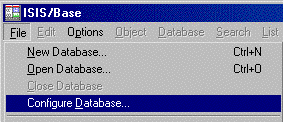
Then when ISIS starts up, pull down the Configure Database menu
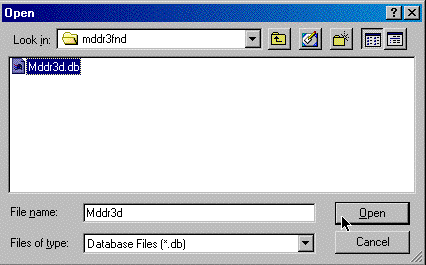
Choose the MDDR-3D database
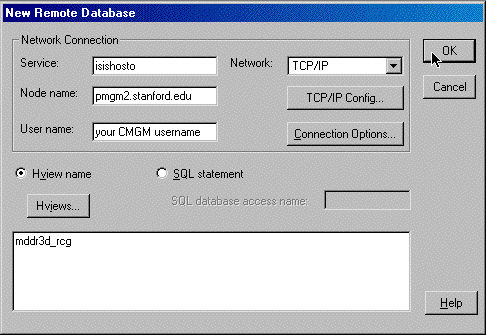
Fill in the Service Name, Node Name, your User name on CMGM/PMGM
You can leave the "username" blank and ISIS will ask you for it when you open the database.
Don't forget to enter the Database Name "mddr3d_rcg"
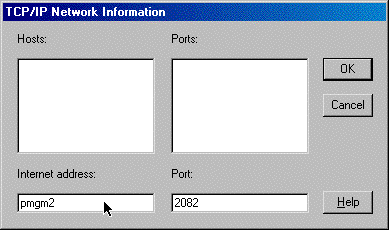
Click on the button  and enter in the Internet Address and Port as shown
below.
and enter in the Internet Address and Port as shown
below.