Configuring the Metabolite database
Open up ISIS/Base
Then when ISIS starts up, pull down the Configure Database menu
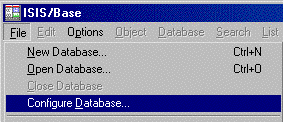
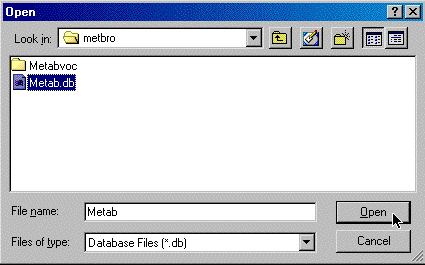
Choose the Metabolite Browser database
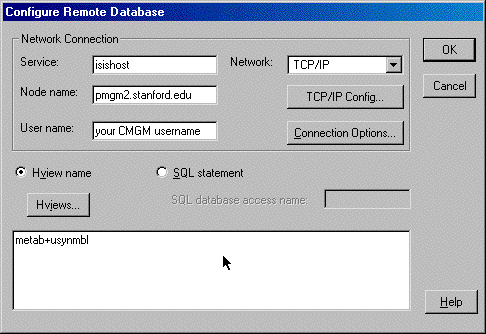
Fill in the Service Name, Node Name, User Name and the names of all the reaction databases.
You can leave the "username" blank and ISIS will ask you for it when you open the database.
Don't forget to enter the Database Name "metab"
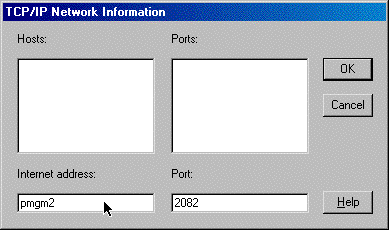
Click on the button  and enter in the Internet Address and Port as shown
below.
and enter in the Internet Address and Port as shown
below.